Locking Down Your Online Banking: A Step-by-Step Guide
A practical walk through stronger passwords, two-step verification and spotting fake login pages, with small habits you can put in place this week without any special software or technical skill.
Margaret O'Connell · · 6 minutes to read
Start with the password, not the app
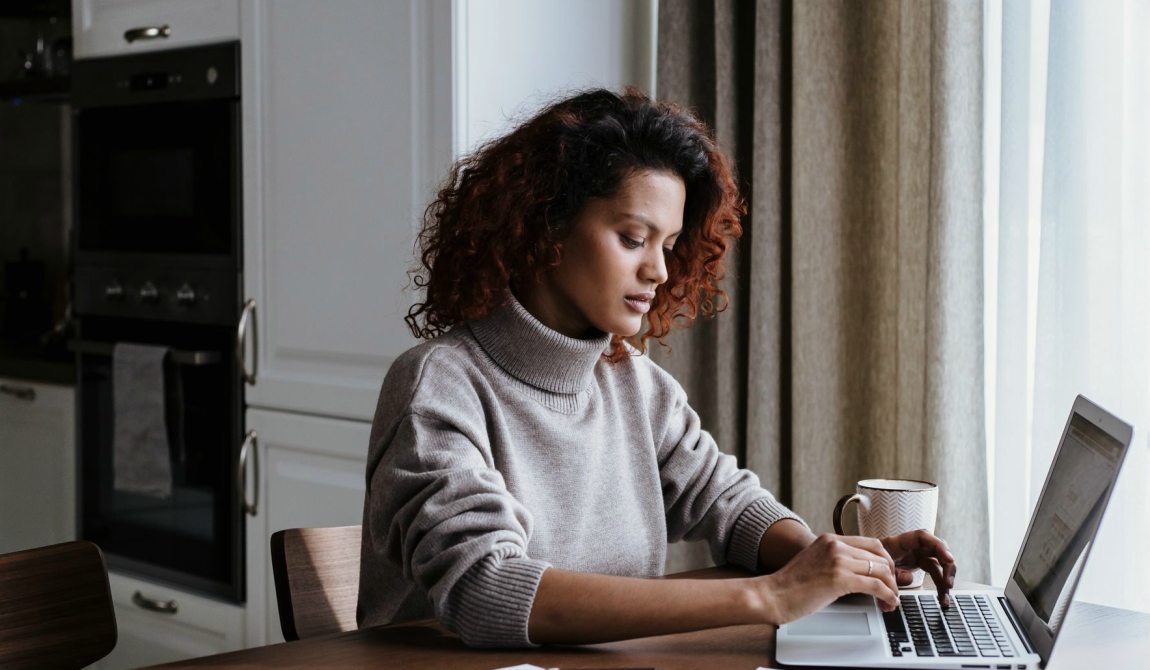
Most people think of online banking security as something the bank handles. The bank does look after its own systems, but the front door to your account is a password you chose, and that part is yours. Before you touch any settings, sit down with a cup of tea and look at how you log in today. Is the password something you also use for email, a shopping site or a streaming service? If so, one leak anywhere puts your banking at risk.
I teach money management, and I have watched many learners set up careful budgets while leaving the login to their chequing account as a pet's name and a birth year. It takes about ten minutes to fix, and nothing else in this guide matters as much as getting this one step right.
Write down every site where you reuse a password, starting with your bank, your email and any card account. Those three come first because email is how most password resets are delivered.
Building a password you can actually remember
Length beats cleverness. A string of four or five unrelated words, such as maple kettle harbour fence, is far harder to guess than a short word with a number and symbol swapped in. It is also easier to type on a phone. Aim for at least fourteen characters, and avoid anything a friend or relative could work out from your social media, such as a street name, a team or a grandchild.
Your bank may have its own rules about length or allowed symbols, so follow whatever the login page asks for. The principle stays the same: make it long, make it unusual, and make it used in exactly one place.
If you cannot memorize several passphrases, a paper notebook kept at home is a reasonable choice for many adults, provided it stays in a drawer and never travels in your wallet.
- Use four or five unrelated words
- Never reuse it for email or shopping
- Skip names, birthdays and addresses
- Change it right away if you suspect a leak
Turning on two-step verification
Two-step verification means that a password alone is not enough to get in. After you type it, the bank asks for a second proof, usually a code sent by text message or generated in an authenticator app on your phone. Even if someone learns your password, they cannot finish logging in without that code.
Look in the security or profile section of your online banking. The wording varies from bank to bank, so you may see two-factor authentication, extra verification or a similar label. Switch it on, choose how you want to receive codes, and test it once while you are calm and not in a hurry.
A text message code is better than nothing. An authenticator app is stronger, because codes cannot be intercepted through your phone number. Whichever you choose, never read a code aloud to someone who phones you, however official they sound.
Reading a link before you click it
Fake login pages almost always arrive through a message: an email saying your account is locked, or a text about a payment you did not make. The message wants you to click quickly. Slow down and look at the sender and the wording. Banks rarely ask you to confirm your password or card number through a link in a message.
On a computer, rest the pointer over a link without clicking and read the address that appears. On a phone, press and hold the link to preview it. Look for small differences, such as an extra word, a swapped letter or an odd ending after the bank's name.
The safest habit is to ignore the link altogether. Open your banking app or type the bank's address yourself, then check whether any alert is waiting for you inside.
- Rest the pointer on a link to see where it goes
- Distrust messages that create urgency
- Type the address yourself instead of clicking
Spotting a fake login page
Sometimes you land on a page that looks exactly like your bank's. Logos and colours are easy to copy, so judge the page by details that are harder to fake. Check the address bar before you type anything. The domain should match the one on the back of your card or on your statement, with nothing extra tucked before or after it.
A padlock symbol alone does not prove a site is genuine, since fraudulent pages can have one too. Treat it as a minimum and not a guarantee. Be wary of pages that ask for your PIN, several security answers at once or your full card number just to sign in.
If anything feels off, close the tab without entering anything. Then log in the usual way and see whether your account shows the same notice the message described.
Habits for the weeks ahead
As the evenings get shorter and many of us start shopping early or planning for the holidays, we also log in more often and on more devices. Make a small routine out of the steps above. Update your phone and computer when prompted, since those updates often close security gaps. Log out after each session on a shared or public computer.
Turn on account alerts so your bank tells you about sign-ins or transfers you did not expect. Review your statements once a month and question anything unfamiliar. If you suspect someone has your login, contact your bank through the number on your card and change your password at once.
None of this requires technical skill. It asks for a few minutes of attention, repeated until it feels as ordinary as locking your front door.
- Install device updates when offered
- Log out on shared computers
- Switch on sign-in and transfer alerts
- Check statements monthly
Strong online banking security is built from small, repeatable choices: a long passphrase used only once, two-step verification switched on, a habit of typing the bank's address yourself and a quick look at any link before it earns your trust. You do not need to do everything in one evening. Pick one step, finish it, and come back to the next when you are ready. Each one makes your account noticeably harder to break into, and that is the whole goal.
If you would like to go deeper on passwords, two-step verification or spotting fake pages, send a note through the contact page and we will point you to the right course.
Talk to us about building safer banking habits
ContactSend us a message
Email: hello@corpflowki.com